How to buy WAEC and JAMB PINs without a bank card
No card? No problem. Here's how to buy a WAEC result checker or registration PIN, or pay for JAMB, straight from your JOYET balance.
 JOYET Team · 1 min read
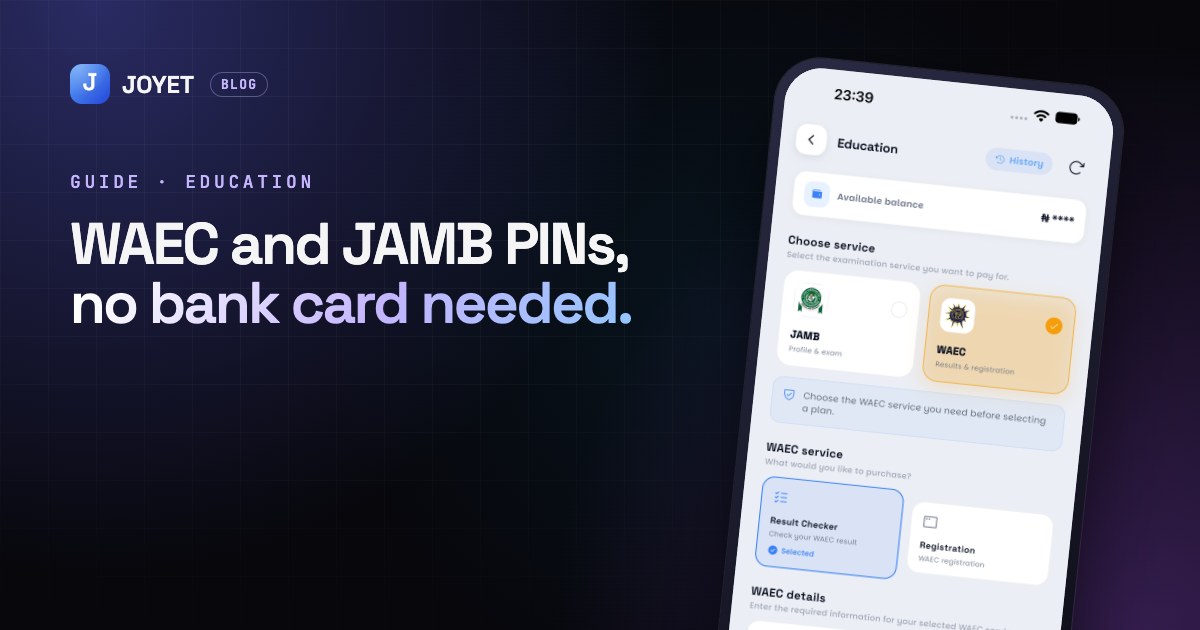
Exam season always comes with the same stress: you need a PIN today, the cybercafé wants cash, and your bank card isn't working online.
You can buy them from JOYET instead.
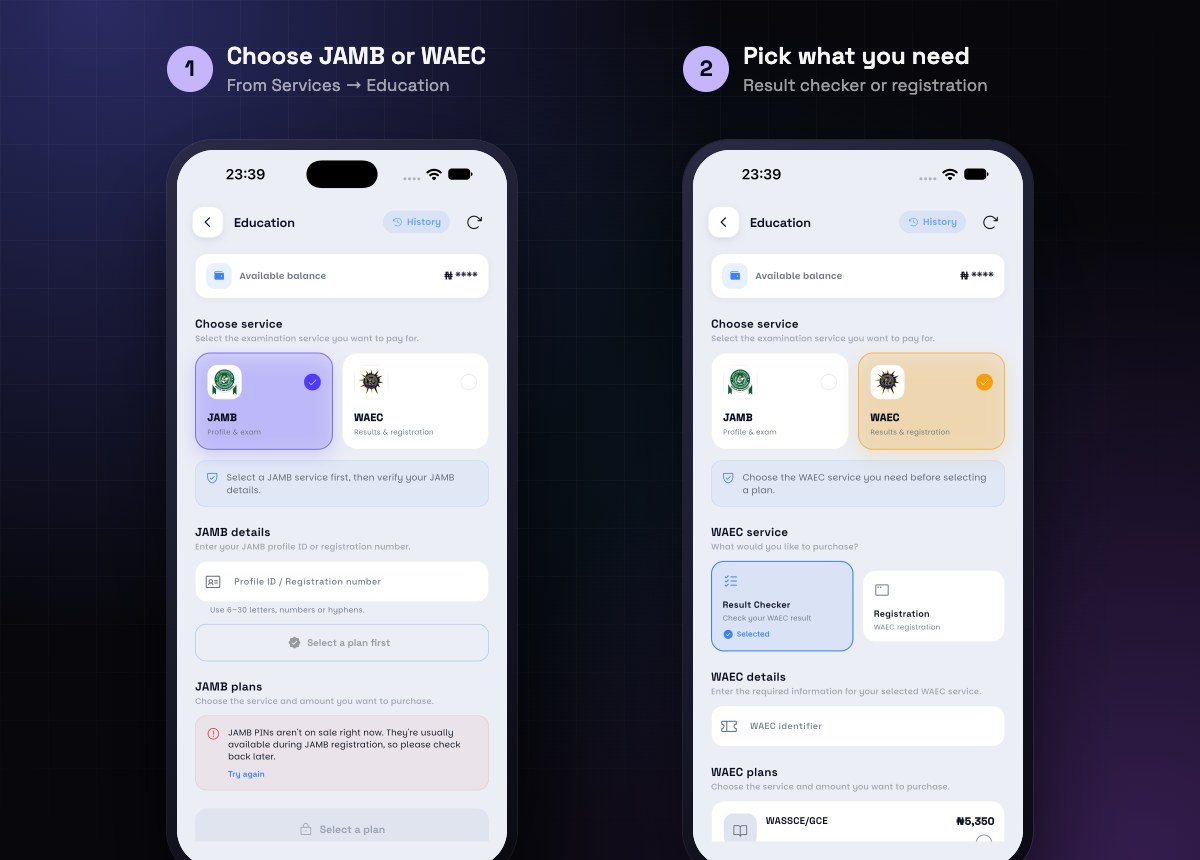
WAEC
- Open the Services tab and tap Education.
- Choose WAEC.
- Pick what you need: Result Checker to check results, or Registration.
- Choose your plan, check the price, and confirm with your PIN.
- Your PIN appears in the app. It's also saved in your history, so you won't lose it.
You can buy more than one WAEC card at once, which is handy for parents with more than one child.
JAMB
- In Education, choose JAMB.
- Pick the JAMB service you need.
- Enter the profile ID or registration number and verify it.
- Confirm with your PIN.
Note: JAMB PINs are only sold while JAMB registration is open. If you see "not on sale right now", check back when registration starts.
Paying with crypto
If your money is in USDT or another coin, deposit it first. It converts to Naira in your JOYET balance, and you can pay straight away. No card and no transfer needed.
Keep it safe
Treat your PIN like cash. Don't post a photo of it, and only share it with the person or school that needs it.
JOYET is launching on Android and iPhone. Join early access on joyet.site and we'll send you the download link first. Questions? Email hello@joyet.site.